ZaatarLABS Get in touch →
THE SMART BUDGET · THE SMART BUDGET · THE SMART BUDGET
All apps
Finance iPhone · iOS 26.4+ · best on iOS 27
The Smart Budget

The Smart
Budget.

Your spending logs itself. No bank login. Bank texts and notifications become clean, categorized transactions, and a statement fills in your history on day one. Apple Intelligence runs on your iPhone or in Apple's Private Cloud Compute.

Free · unlimited logging
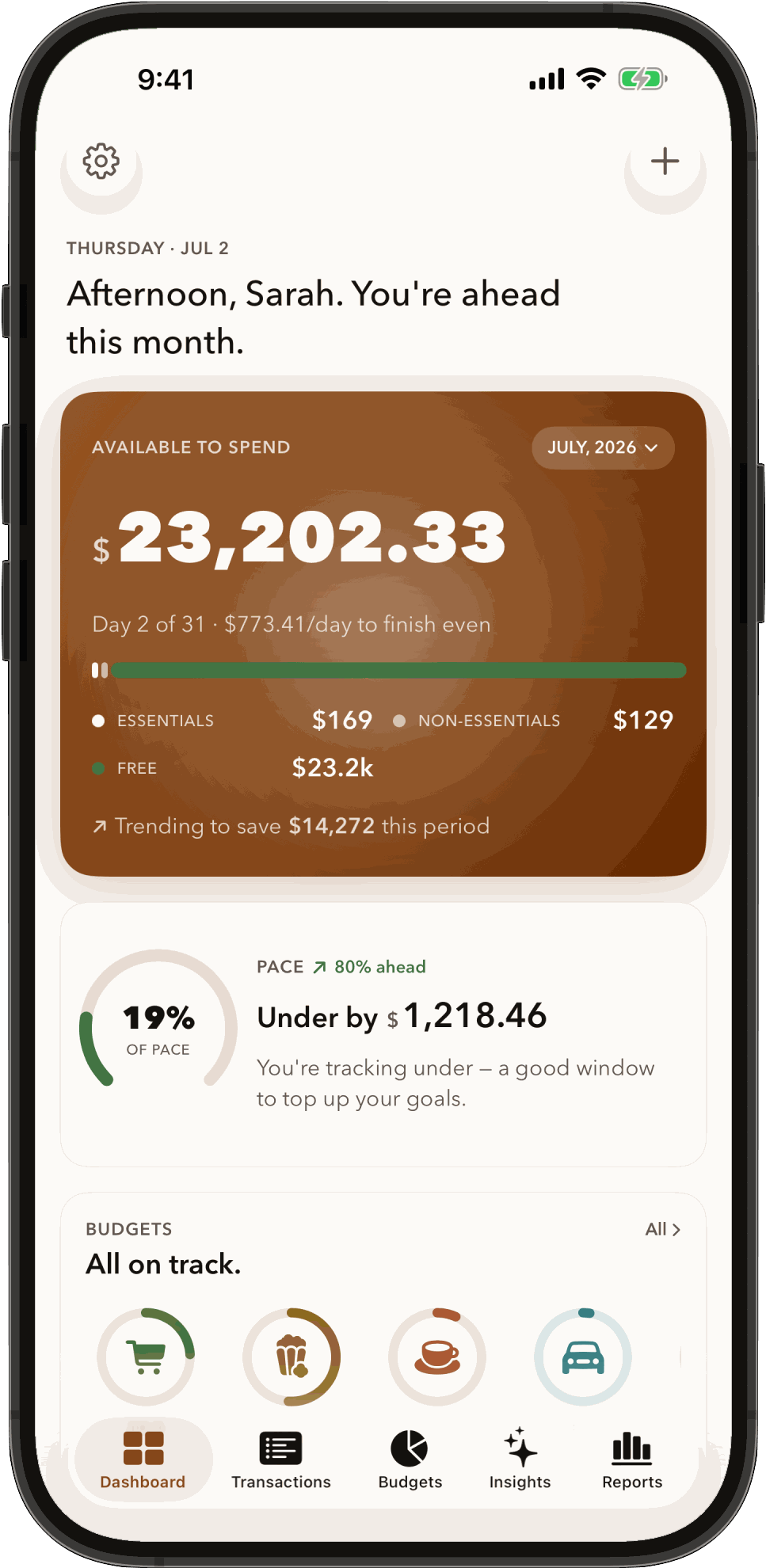
The Smart Budget dashboard on iPhone: available to spend this month, pace and budgets
Your spending logs itself.   —   Private expense tracker for iPhone. No bank login, no aggregator.
How it works

Set it up once.
Then just review.

Smart Budget reads what your bank already sends you: texts, notifications and statements. You never hand over a bank login, and your transactions never reach us.

01 — Bank texts & notifications

It logs itself

Your bank's transaction texts and app notifications become clean, categorized transactions with the merchant, amount, currency and date. On iOS 27, setup is one shortcut and one switch. How to set it up

02 — Statement import · iOS 27

Your history on day one

Import a PDF, CSV or OFX statement from your bank. Rows already in the app are skipped and the rest are added and categorized, so months of history appear within minutes. Free. How it works

03 — Available this month

Know what's left

The dashboard shows what's available to spend this month, your pace, and a ring for each budget. Set budgets and savings goals, and get an alert as a budget nears its limit.

04 — Money Advisor · Pro · iOS 27

Ask your own numbers

Ask “How much did I spend on groceries this month?” and get the answer from your own transactions. Needs Pro, iOS 27 and an iPhone with Apple Intelligence turned on.

05 — Household

One ledger for two

Invite a partner and share one ledger, with budgets, goals and reports, through iCloud. The owner's Household plan covers everyone; members don't pay.

06 — Private

No bank login, no account

Your transactions never reach us. iCloud sync runs through your own iCloud account, and Apple Intelligence runs on your iPhone or in Apple's Private Cloud Compute. Why no bank login

Inside the app

Review it
in seconds.

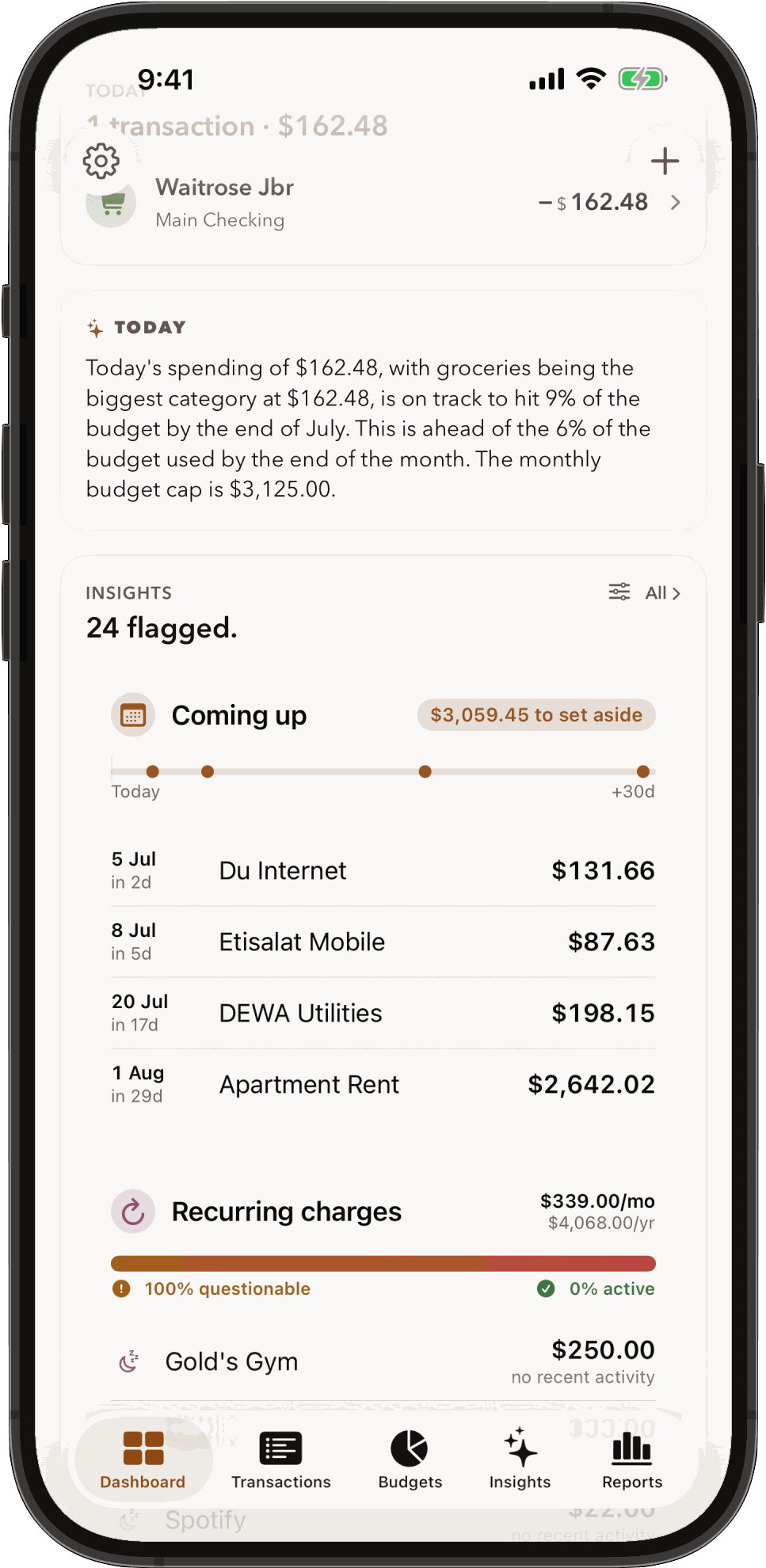
What's available to spend this month, your pace and your budgets, on the dashboard. Swipe for the spending that logged itself and a statement import filling in past months.

← Swipe the phone · or use the arrows

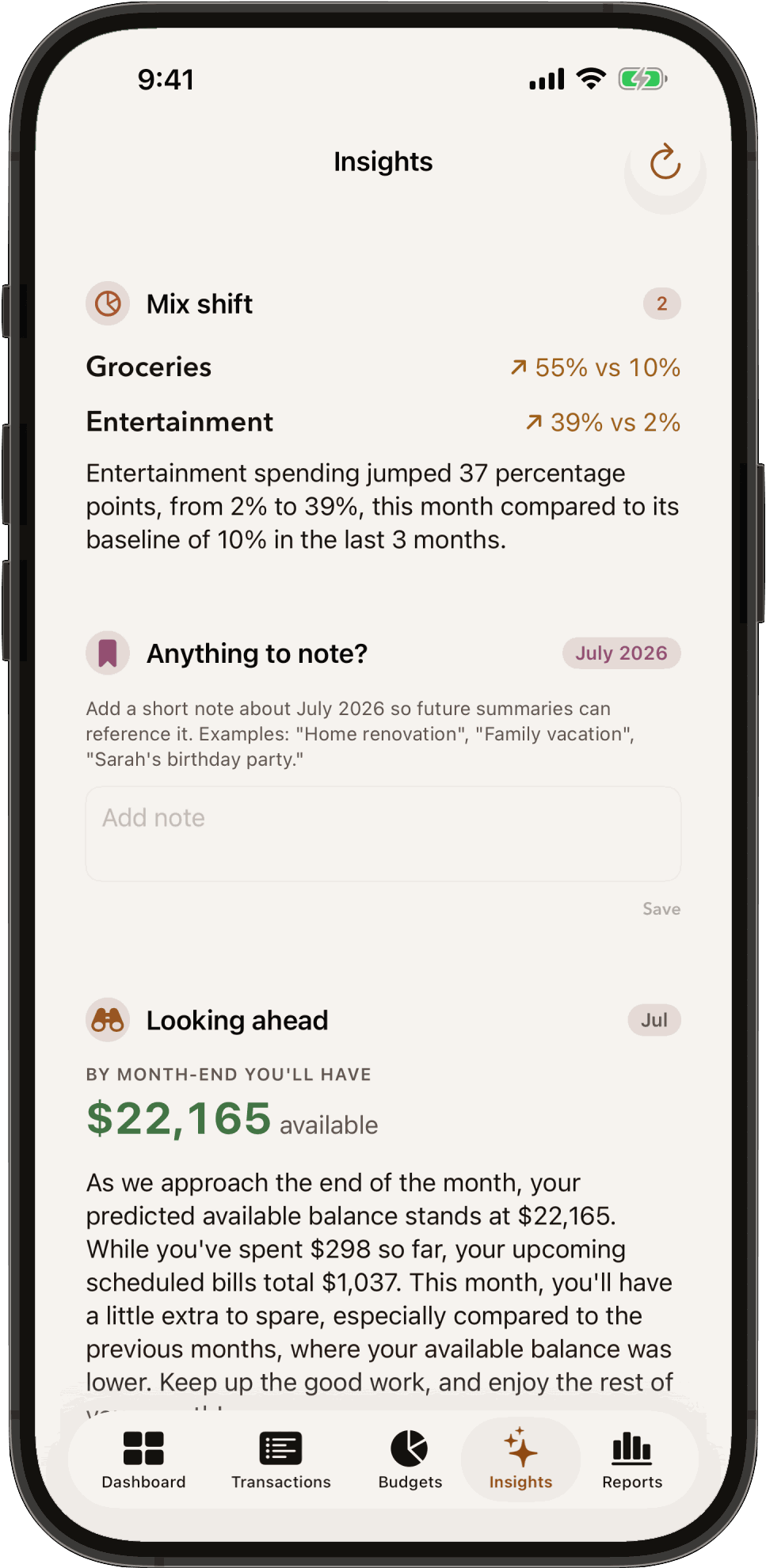
Dashboard: available to spend, pace and budgets Transactions: this week's spending, captured from bank texts and notifications Statement import: rows already in the app are skipped, new ones are added
Free to start

Free, Pro or
Household.

Start free with every way to capture. Upgrade when you want your full history and the Money Advisor.

01 — Free

Unlimited logging.

Every way to capture: bank texts, notifications, statement import, receipts, Siri and widgets. Budgets, goals and iCloud sync included. History shows the last 45 days.

02 — Pro

Your full history.

Everything you've ever logged, every report, Insights and the daily briefing, and the Money Advisor on iOS 27.

$2.99 / month
$24.99 / year · $49.99 lifetime

03 — Household

One ledger for two.

Everything in Pro, plus a shared household ledger with per-member reports. Members don't pay.

$4.99 / month
$49.99 / year · $99.99 lifetime

Prices in USD; local App Store prices may differ. Monthly and yearly plans renew unless cancelled. Lifetime is a one-time purchase. Every plan works with Apple Family Sharing.

Guides

Set it up
your way.

01

No bank login →

How to track your spending on iPhone without linking your bank or using Plaid.

02

Bank texts →

Turn bank texts and notifications into transactions with a Shortcuts automation.

03

Statements →

Import a PDF, CSV or OFX statement to fill in months of history.

FAQ

Questions,
answered.

Does The Smart Budget connect to my bank?

No. There is no bank login and no aggregator such as Plaid. The app reads what your bank already sends you: transaction texts and app notifications, through a Shortcuts automation, and statements you choose to import. You can also add spending by hand, from a receipt photo, with Siri or from a widget.

Which banks does it work with?

Any bank that sends transaction alerts to your iPhone by text message, or by app notification on iOS 27. With Apple Intelligence on, the app reads the merchant, amount, currency and date from each alert; with it off, built-in rules read common alert formats. Statement import (iOS 27) accepts PDF statements downloaded from your bank (not scans), CSV files and OFX or QFX files.

Is my financial data private?

Your transactions, amounts, merchants and accounts never reach us, and there is no account to create. Your data lives in the app on your iPhone and, if you turn on iCloud sync, in your own iCloud account. Apple Intelligence features run on your iPhone or in Apple's Private Cloud Compute. The app can share limited usage information in fixed categories to help us improve it; you can turn that off in Settings → Privacy. Read the privacy policy.

What is free, and what does Pro cost?

Free includes unlimited logging and every way to capture, statement import included, plus budgets, goals, widgets and iCloud sync; the app shows the last 45 days of history. Pro ($2.99 a month, $24.99 a year or $49.99 once) adds your full history, every report, Insights and the Money Advisor. Household ($4.99 a month, $49.99 a year or $99.99 once) adds one shared ledger for your household, and members don't pay. Every plan works with Apple Family Sharing. Prices are in USD; local prices may differ.

Which iOS version do I need?

iOS 26.4 or later. iOS 27 adds one-tap capture setup, bank notification capture, statement import and the Money Advisor. The Money Advisor also needs an iPhone that supports Apple Intelligence, with Apple Intelligence turned on.

Can I share a budget with my partner?

Yes, with the Household plan. The owner invites a partner from Settings → Household, and both iPhones then see one ledger with budgets, goals and reports, shared through iCloud. Each person uses their own Apple Account. Members don't pay, and anyone who leaves keeps a copy of the data.

Which languages is it in?

English, Arabic, French, Spanish and Italian. You can change the app's language in Settings → Language. Apple Intelligence features depend on the languages Apple Intelligence supports.

Is it available on iPad or Mac?

No. The Smart Budget is made for iPhone.
Your spending logs itself.

No bank login. Free to start, with unlimited logging and every way to capture.

Follow @zaatarlabs →